Multi-tenancy by adding static filters
If you would like to filter a dataset to a particular value, you could apply a static filter when associating the dataset with the Integration or when requesting a SSO token! This will make sure that each SSO user will only be able to access the filtered dataset.
The gif below shows you how you can easily apply a static filter when associating the dataset with your integration!
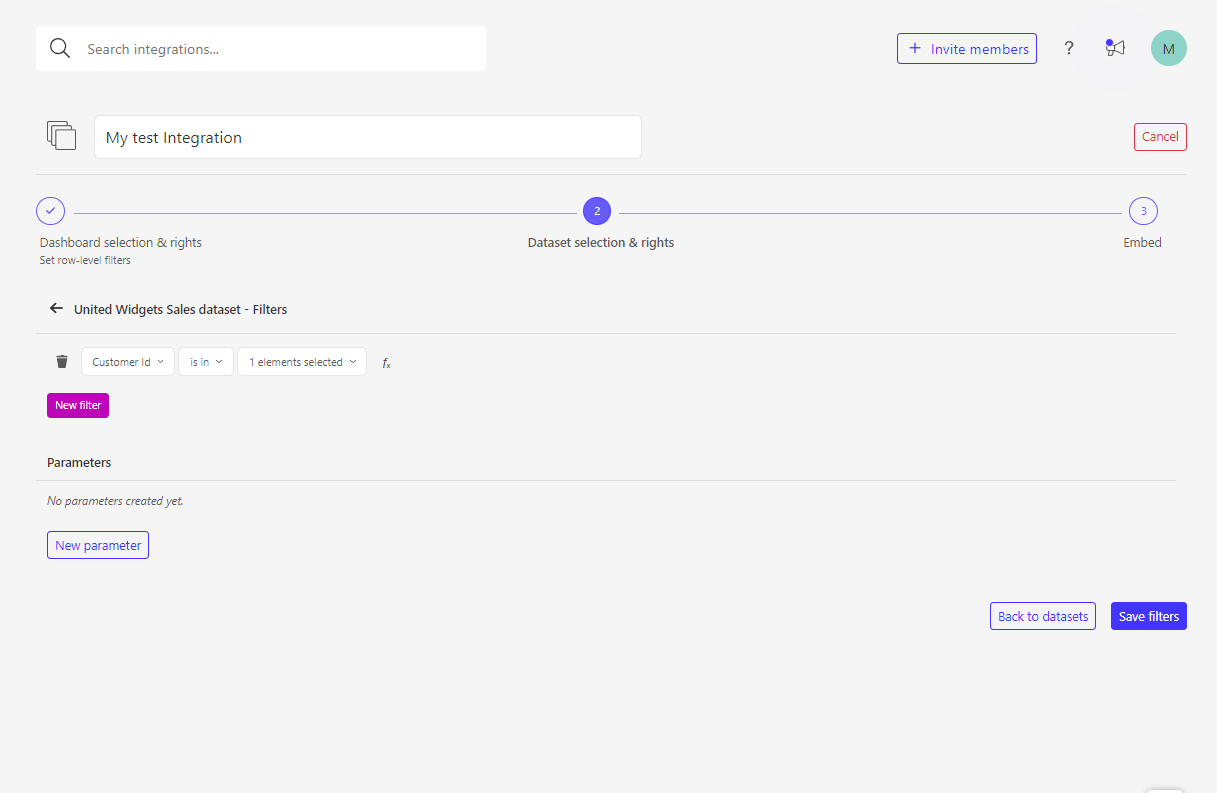
Alternatively you can also specify these filters when requesting the SSO token in your backend. Below you can find a Node.js code snippet of an 'is in' filter with one string value:
const Luzmo = require('@luzmo/nodejs-sdk');
var client = new Luzmo({
    api_key: '< Your API key >',
    api_token: '< Your API token >'
  });

let promise = client.create('authorization', {
  type: 'sso',
  username: '12345678',
  suborganization: 'Burrito Co.',
  name: 'SSO user',
  email : 'sso_user@example.com',
  expiry: '24 hours',
  inactivity_interval: '10 minutes',
  filters: [
    {
      clause: "where",
      origin: "global",
      securable_id: "< your dataset id >",
      column_id: "< your column id >",
      expression: "? in ?",
      value: [
        "< A value >"
      ]
    }
  ]
});

promise.then((result) => {
  // return the result to the client
});
In case you would like to dynamically decide what the dataset should be filtered to based on the user in your application, parameterizable filters are definitely an easier solution. This Academy article helps you on the way!